Features
Flexible deployment programme :
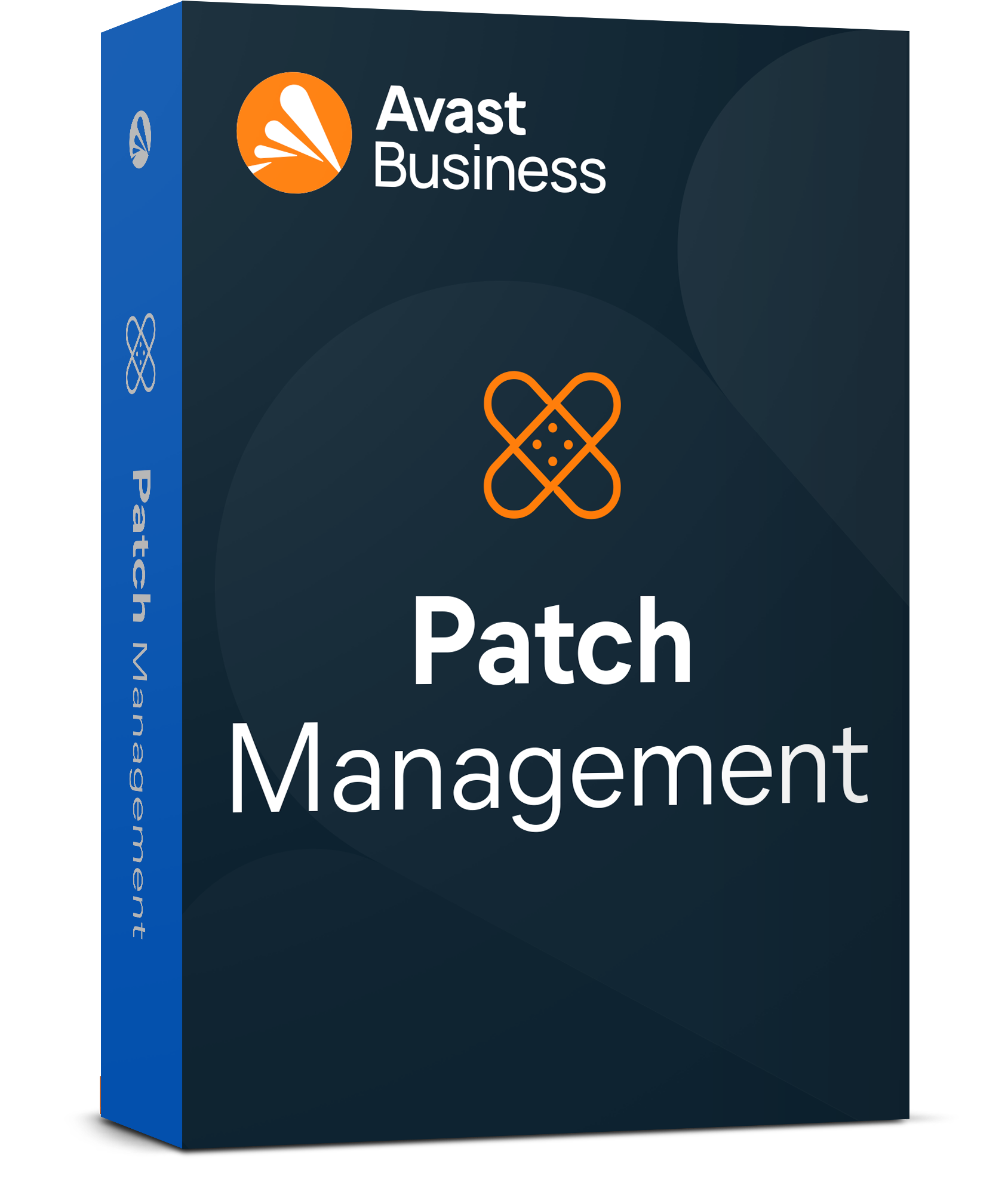
With Avast Business Patch Management, you can choose when and on which devices you want to deploy patches.
Customisable patches :
Avast Business Patch Management lets you configure updates according to software suppliers, software and the importance of the patches to be installed.
Patches for PCs and servers :
You can download missing patches to a master agent, which will automatically distribute them to all devices on the network. This saves you having to download the patch to each of your devices. This saves bandwidth.
Thousands of software patches at the click of a button:
Avast Business Patch Management deploys patches for Windows operating systems and thousands of other third-party software products to provide complete protection for your IT assets.
Versioning :
Thanks to versioning, you can go back in time with one click if a patch causes a PC to crash.
Intuitive dashboard :
The Avast Business Patch Management dashboard guides you step-by-step through patch deployment. From this dashboard, you can view summaries of installed patches, missing patches and failed patch installations. So you always know what's going on with your IT estate.
Ideal for
Avast Business Patch Management is designed for businesses that need to manage and automate security updates for their IT assets to reduce vulnerabilities caused by obsolete software and save time with the centralised management offered by Avast Business Patch Management.
On the other hand, businesses that want to ensure the compliance and security of their IT environment without overburdening their IT teams find Avast Business Patch Management useful for managing the risks associated with cyber attacks, These include ransomware attacks, which exploit obsolete software to break into your computer network and encrypt your files.
Avast Business Patch Management has also been designed for managed service providers (MSPs) who want to add the following to their offering an automated patch management solution. Its centralised management console enables multiple customers to be managed from a single interface, with real-time alerts, dashboards and performance reports.
Compatibility
Avast Business Patch Management is compatible with :
Windows 11, 10
Windows Server 2022, 2019, 2016, 2012
FAQ
Should I disable Windows Update before using Avast Business Patch Management?
No, you should not disable the Windows Update service, but you should adjust the Windows Update settings via the Windows Update Center and/or Group Policy. This allows Avast Business Patch Management to provide updates.
To deploy patches correctly, Windows Update settings must be set to Manual or Automatic. In addition, the Windows Update setting for each target machine (Control Panel > System and Security > Windows Update > Change settings) must be set to «Never check for updates».
Why do some patches on certain devices not appear to have been fixed even after they have been deployed?
There may be several reasons for this. The patch may be being installed on these devices and will synchronise with the console once installed. The patch installation may have failed and a reinstallation will be scheduled according to your deployment schedule. Or the device may be offline.
Where can I change the patch deployment schedule and add exclusions?
You can change the patch deployment schedule and exclude suppliers and applications by accessing your management console: Device settings > Select a policy > Patch management tab.
Will my device configured as the main agent download patches and deploy them to my devices?
Yes, the device you have selected as the primary agent will be used to store software application patches and distribute them to devices on the network to save bandwidth. If you have not selected a primary agent, devices will download the patch directly from the Internet.






























 Verified owner