Features
Cleaning up unwanted files :
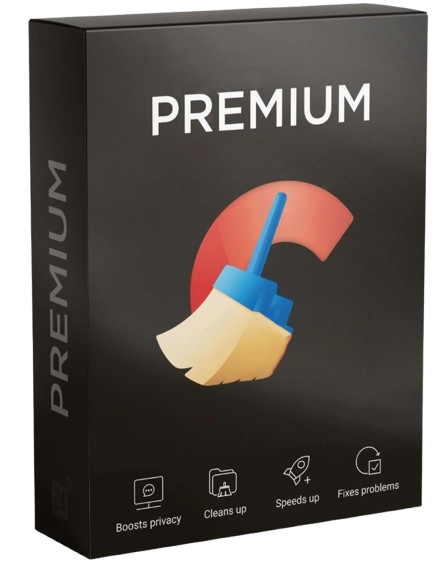
CCleaner Android Pro scans your device to find unnecessary files, such as app caches, residual files and downloaded APK files. It then automatically clears these files to free up storage space.
Memory optimisation :
CCleaner Android Pro frees up RAM by closing memory-intensive background apps. This helps to improve your device’s performance and reduce slowdowns.
Application management:
CCleaner Android Pro allows you to manage the apps installed on your device by removing those you no longer use and analysing their storage and memory usage.
Privacy policy:
CCleaner Android Pro deletes sensitive personal data such as call history, text messages and call logs. It also helps protect your privacy by blocking adverts and preventing apps from collecting your data.
Customisation:
CCleaner Android Pro allows you to create exception lists for files you want to keep no matter what. You also have scheduling options to automate cleaning and optimisation tasks according to your preferences.
Ideal for
As cache files, temporary files and unused apps build up over time, your Android smartphone or tablet starts to perform less efficiently. CCleaner Android Pro allows you to clear out unnecessary files for free up storage space, avoid bugs and make your Android device run faster.
Compatibility
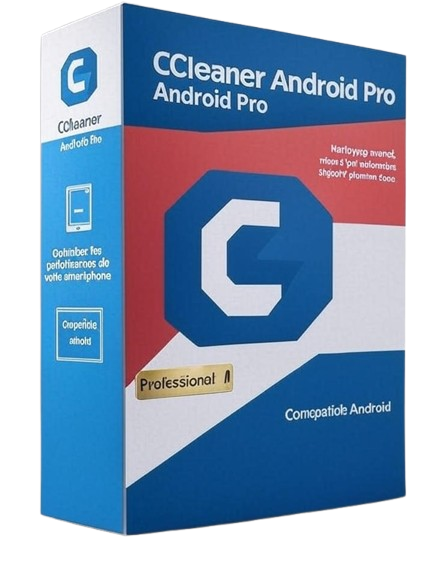
CCleaner Android Pro is compatible with:
Google Android 4.1 (Jelly Bean, API 16) or later
FAQ
What are the differences between the free version of CCleaner and CCleaner Android Pro?
The free version of CCleaner for Android only allows you to clear temporary files and empty the cache. CCleaner Android Pro, on the other hand, offers a more thorough clean-up, the ability to put background apps into hibernation, the removal of adverts, and a daily clean-up of your device that you can configure to suit your needs.
Can CCleaner Android Pro improve my phone’s speed?
Yes. CCleaner Android Pro frees up RAM, extends your battery life and improves your device’s performance by removing unnecessary files (cache, installation files, etc.) and putting unused apps into hibernation.
How does the «App Hibernation» feature work?
The «App Hibernation» feature in CCleaner Android Pro temporarily disables apps that you haven’t used for a long time. These apps no longer run in the background, which reduces battery usage and frees up system resources.
Does CCleaner Android Pro contain adverts?
No, CCleaner Android Pro is completely ad-free, ensuring a smoother and more enjoyable user experience.





















 Verified owner